Introducing OpenLabel 1.1: product labels everywhere a shopper looks
OpenLabel 1.1 adds labels to the cart, mini cart, wish list, compare page and order emails, new positions around the image, tooltips, variant labels, a live countdown and a REST API. Still free, still MIT.
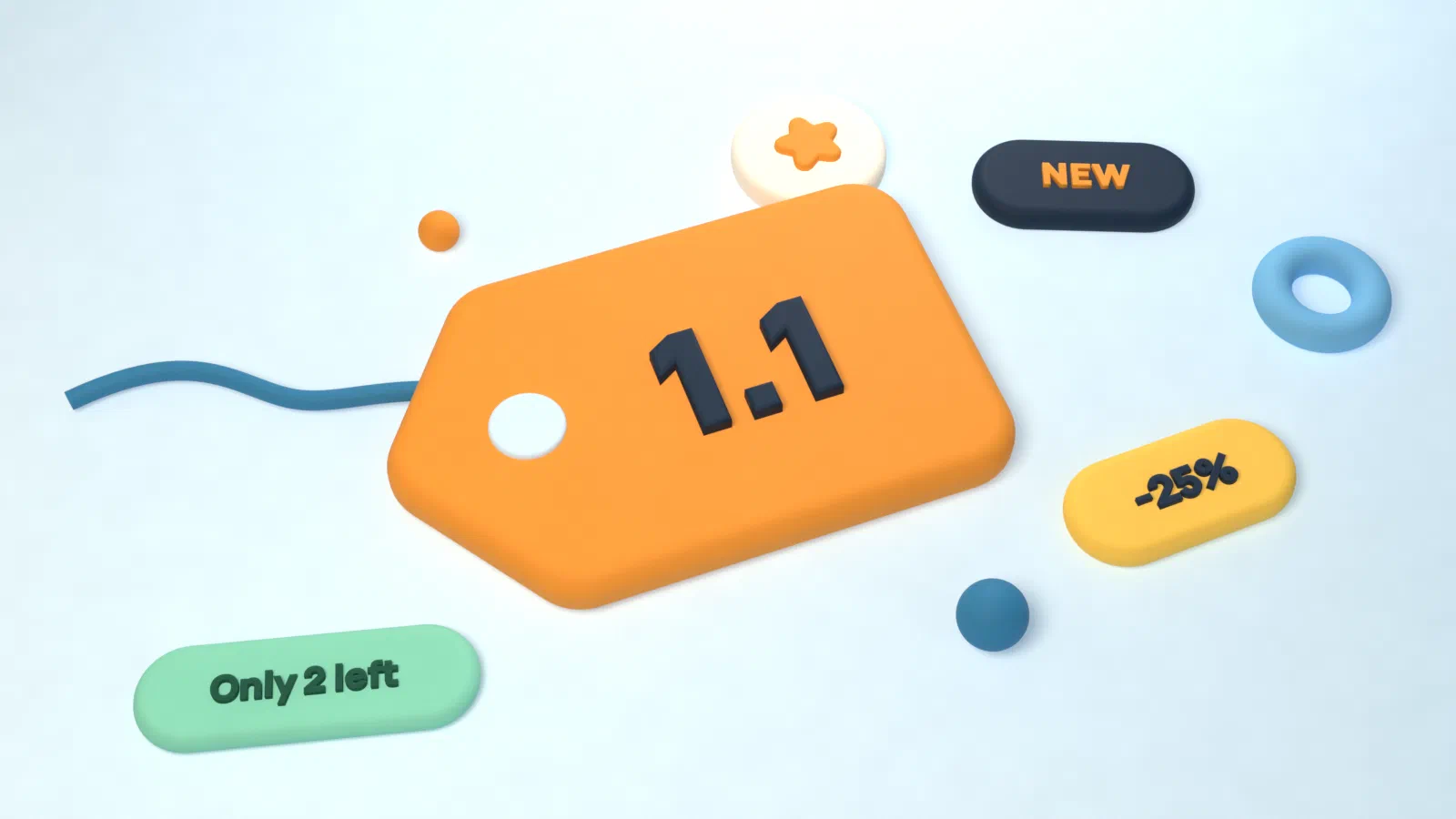
OpenLabel 1.0 shipped one day earlier with the hard parts in place: a rule engine on Magento’s own promo-rule conditions, a dedicated indexer, an admin with live preview and a Hyvä render package. Version 1.1 is about reach. Labels now show up in more places, look better on every screen size and fit more real merchandising cases.
Labels beyond the product card
Until now, labels lived on category pages, search results, widgets and the product page. In 1.1 they also appear in:
- the shopping cart and the Hyvä mini cart
- the wish list and the compare page
- order, invoice, shipment and credit memo emails
In the cart and in emails a label shows as a short line of text next to the item, so “Final sale” or “Ships in 2 days” travels with the product all the way to the customer’s inbox.
24 places to put a label
The 3×3 grid on the product image is still there. 1.1 adds 12 positions in the band just outside the image (above, below, left and right), plus three in the product text: next to the price, next to Add to Cart and under the product name. “Ships free” next to the price reads very differently from the same badge stuck on the photo.
Positions still mirror automatically in right-to-left store views, unless you pin a placement to its physical side.
Smarter labels
- New conditions. Bestseller (units sold in the last 7, 30 or 90 days, or rank over 30 days), most viewed, and ships free, which checks your free shipping rules and the free shipping method’s minimum.
- New variables.
{CATEGORY_NAME}and{BRAND}for tags like “New in Jackets”, and{COUNTDOWN}for a live countdown to the end of a special price. - Hide when a variable is zero. “Only {STOCK_QTY} left” no longer shows “Only 0 left”.
- Variant labels. On a configurable product page, the label follows the chosen size or colour, so “Only 2 left” appears exactly on the variant that is running out.
Designs that adapt
There are now 31 built-in designs, all passing WCAG AA contrast. Every design can set its own width and font size for phones, tablets and desktops, an entry animation (fade or pop) and a hover effect (grow or lift). All of it is CSS only and switches off for visitors who prefer reduced motion. Labels also gained tooltips that work on hover, keyboard focus and touch, and optional click-through links.
For developers and integrators
- A REST API to create, read, update and delete labels and designs, for a PIM or ERP that manages merchandising.
- An “OpenLabel” section on the product edit page that shows the product’s current labels and lets you assign labels by hand.
- Label packs with the built-in texts in English, German, French, Spanish, Dutch and Italian.
- Export files moved to version 2. Files from 1.0 still import.
Upgrading
composer update iranimij/openlabel-hyva-bundle
bin/magento setup:upgrade
bin/magento openlabel:reindex
setup:upgrade rebuilds the label stylesheet for every store view, so the new positions and animations work straight away.
What is next
Version 1.2 focuses on moving shops over and covering more themes: importers from Amasty and Mirasvit, a Luma render package, GraphQL mutations for the admin, and label analytics. The full list is on the OpenLabel page.
If you try it, tell us how it went in GitHub Discussions. Issues are triaged within a week.